
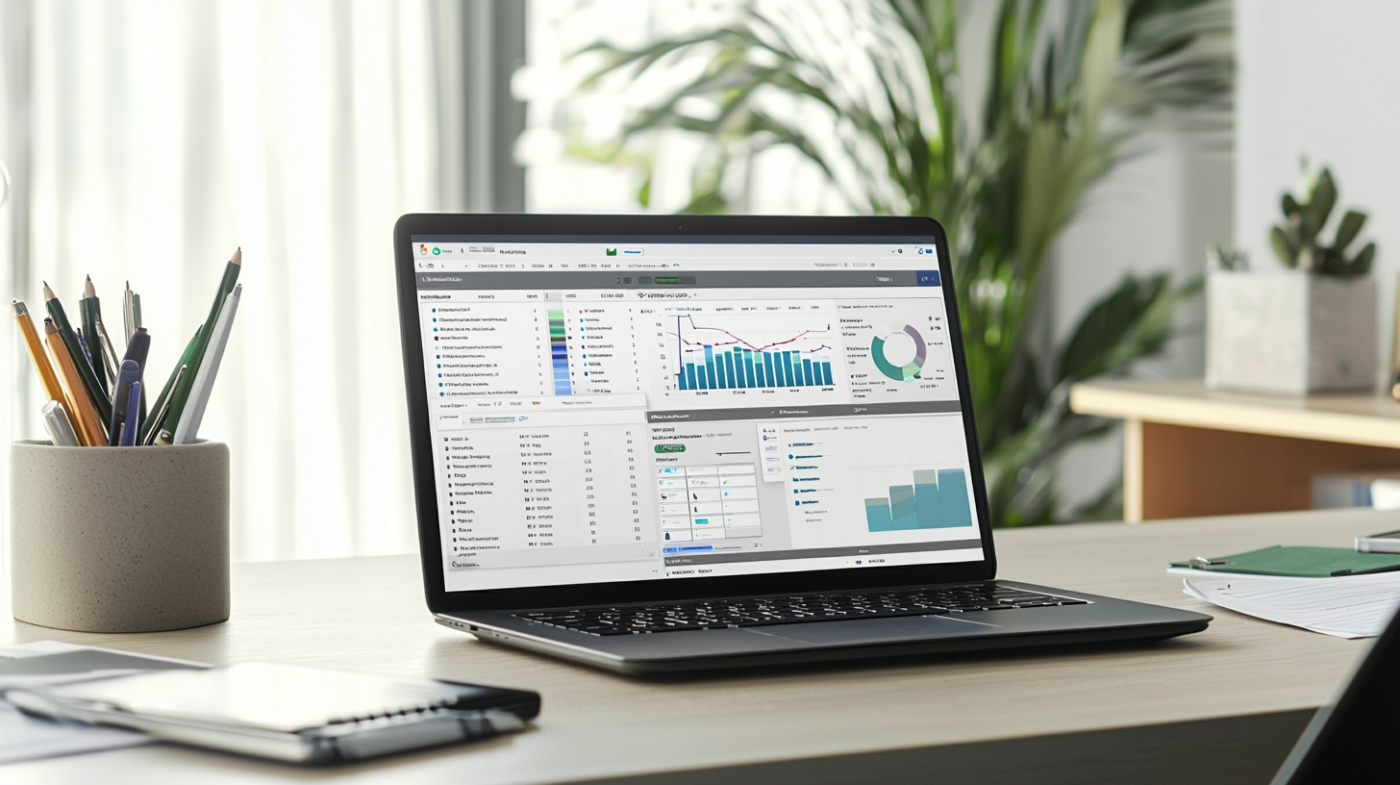
Affordable Cloud Hosting Solutions for QuickBooks Desktop and Enterprise
In today’s fast-paced business environment, accessing financial data from anywhere at any time is crucial. QuickBooks, a leading accounting software, provides various solutions to meet the needs of businesses of all sizes. Among these solutions, cloud hosting for QuickBooks Desktop and QuickBooks Enterprise has emerged as a popular choice. This article will explore affordable cloud hosting solutions that allow businesses to effectively use QuickBooks in the cloud, ensuring enhanced accessibility, security, and performance.
What is Cloud Hosting for QuickBooks Desktop?
Understanding Cloud Hosting Services
Cloud hosting involves storing data and applications on remote servers rather than on local machines. This method allows users to access software like QuickBooks Desktop from virtually anywhere, provided they have an internet connection. By utilizing a cloud hosting provider, businesses can host QuickBooks Desktop securely and efficiently. With cloud hosting, users no longer need to worry about local server maintenance, as the hosting service takes care of all technical aspects, including backups, updates, and security measures.
Benefits of Using QuickBooks on the Cloud
One of the most significant advantages of using QuickBooks on the cloud is the flexibility it offers. With cloud hosting, multiple users can access QuickBooks simultaneously, enhancing collaboration among team members. Additionally, businesses can scale their hosting solutions according to their needs, ensuring that they only pay for the resources they utilize. Cloud hosting services also provide robust security features, protecting sensitive QuickBooks data from unauthorized access and data loss. Furthermore, users benefit from automatic updates, ensuring they always have the latest version of QuickBooks Desktop without additional hassle.
How Cloud Hosting Works with QuickBooks Desktop
Cloud hosting works by running the QuickBooks Desktop software on virtual servers. When a user wants to access QuickBooks, they connect to the cloud through a secure remote desktop connection. This setup allows for seamless interaction with the QuickBooks Desktop version, just as if it were installed on a local machine. The cloud hosting provider manages the underlying infrastructure, ensuring optimal performance and reliability. This means businesses can focus on using QuickBooks to manage their finances rather than worrying about server issues or software maintenance.
How to Host QuickBooks Desktop Enterprise on the Cloud?
Choosing the Right Hosting Provider for QuickBooks
Selecting the right hosting provider is crucial for successful QuickBooks Desktop Enterprise hosting. Businesses should look for a cloud hosting provider that specializes in QuickBooks hosting solutions and has a proven track record. Important factors to consider include the provider’s security measures, uptime guarantees, customer support, and scalability options. It’s also essential to ensure that the provider offers compatibility with the specific version of QuickBooks you intend to use, whether it’s QuickBooks Desktop Pro, QuickBooks Pro Plus, or QuickBooks Desktop Enterprise.
Steps to Set Up QuickBooks Desktop Enterprise with Cloud Access
Setting up QuickBooks Desktop Enterprise with cloud access involves several steps. First, businesses should choose a suitable cloud hosting provider and sign up for a hosting plan that meets their needs. After that, the provider will assist in installing the QuickBooks software on their virtual servers. Once the installation is complete, users will receive login credentials to access QuickBooks in the cloud. Finally, businesses can migrate their existing QuickBooks company files to the cloud environment, ensuring a smooth transition and uninterrupted access to QuickBooks data.
Common Challenges in Hosting QuickBooks Enterprise
While cloud hosting for QuickBooks Enterprise offers numerous benefits, there can be challenges as well. One common issue is internet connectivity; a stable and high-speed internet connection is essential for optimal performance. Additionally, businesses may encounter compatibility issues if they use older versions of QuickBooks that are not supported by their chosen hosting provider. Understanding these challenges and working with a knowledgeable QuickBooks solution provider can help mitigate potential problems and ensure a seamless cloud hosting experience.
What are the Pricing Options for QuickBooks Cloud Hosting?
Comparing Different Hosting Plans for QuickBooks
When considering QuickBooks cloud hosting, it’s vital to compare different hosting plans to find the most affordable option. Many cloud hosting providers offer tiered pricing plans based on the number of users, storage requirements, and specific features needed for accessing QuickBooks. Businesses should evaluate the hosting offers to determine which plan provides the best value for their needs. It’s important to note that while cheaper hosting solutions may seem appealing, they might lack the essential features and support necessary for running QuickBooks effectively.
Cost Factors for QuickBooks Cloud Hosting Services
The cost of QuickBooks cloud hosting services can vary based on several factors, including the level of support provided, the amount of storage needed, and the number of licenses required. Businesses should also consider additional costs associated with data migration and any potential upgrades to their existing QuickBooks software. Understanding these cost factors can help businesses budget effectively and make informed decisions about their cloud hosting solutions.
How to Find Affordable Hosting Solutions for QuickBooks
Finding affordable hosting solutions for QuickBooks involves research and comparison. Businesses should start by identifying their specific needs regarding QuickBooks usage and then look for hosting providers that cater to those requirements. Online reviews and testimonials can provide insight into the experiences of other users and help narrow down options. Additionally, many hosting providers offer free trials or money-back guarantees, allowing businesses to assess the service before committing to a long-term contract.
What Features Should You Look for in a QuickBooks Hosting Service?
Essential Features of QuickBooks Cloud Hosting
When exploring QuickBooks cloud hosting services, several essential features should be prioritized. These include automatic backups, robust security protocols, and reliable customer support. A good hosting provider should offer features that enhance collaboration, such as multi-user access and remote desktop capabilities, ensuring that team members can access QuickBooks in the cloud without hindrance. Furthermore, the hosting solution should provide scalability options to accommodate growth within the business.
Security Features for Hosting QuickBooks on the Cloud
Security is a top concern when hosting QuickBooks data in the cloud. The chosen hosting provider should implement advanced security measures, including encryption, firewalls, and intrusion detection systems. Regular security audits and compliance with industry standards, such as GDPR and HIPAA, are also important considerations. Businesses should ensure that their QuickBooks data is well-protected against cyber threats and data breaches, as the consequences of inadequate security can be severe.
Performance Metrics to Consider for QuickBooks Hosting
Performance metrics play a critical role in the success of cloud hosting solutions for QuickBooks. Key factors to evaluate include server uptime, speed, and latency. A reliable hosting provider should guarantee high uptime percentages, ideally 99.9% or higher, ensuring that businesses can access QuickBooks whenever needed. Additionally, low latency and fast loading times are crucial for maintaining productivity, especially for users accessing QuickBooks remotely.
Is QuickBooks Online a Better Option than QuickBooks Desktop with Cloud Hosting?
Key Differences Between QuickBooks Desktop and QuickBooks Online
QuickBooks Online and QuickBooks Desktop with cloud hosting offer different functionalities that cater to various business needs. QuickBooks Online is a cloud-based solution that provides a subscription model, while QuickBooks Desktop requires a one-time purchase of a valid QuickBooks license. The online version is accessible from any device with an internet connection, while the Desktop version requires cloud hosting for remote access, allowing users to harness the power of QuickBooks Desktop in a cloud environment.
Advantages of Using QuickBooks Online
QuickBooks Online comes with several advantages, including its built-in cloud capabilities, making it inherently easier to access from anywhere. Users benefit from automatic updates and seamless integration with other online tools and applications. The subscription model often includes ongoing support and maintenance, ensuring that users always have access to the latest features without additional costs. Furthermore, QuickBooks Online has extensive reporting and analytics features that provide valuable insights into business performance.
When to Choose QuickBooks Desktop Over QuickBooks Online
Despite the advantages of QuickBooks Online, there are scenarios where QuickBooks Desktop may be the better choice. Businesses that require advanced features, such as industry-specific tools available only in certain versions of QuickBooks Desktop, may find it more beneficial to host their QuickBooks Desktop version in the cloud. Additionally, organizations with significant data privacy requirements may prefer the control that comes with managing their own QuickBooks company files on a hosted server rather than in a fully online environment.
